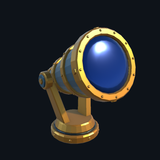
Wizard Observatory: Unity Asset Pack
I wanted to test what it takes to create 3D game assets with frontier models. I experimented with Meshy, Tripo, Opus, Fable, Sol, Astra, and a few other models, and here’s what I found:
- Meshy and Tripo are both good at creating high-poly models, but hitting a polygon count while maintaining visual fidelity is a struggle. Neither splits meshes into reasonable mesh islands or names meshes either, so if you want to animate, you can’t take the base output and use that.
- Claude models can build and fix pure geometry with Blender, but anything complex falls apart.
- Gemini 3.8 Flash can edit 3D models via Blender, but poorly. Very simple edits would sometimes work, but it might also take hours to get a simple fix wrong.
- Astra is the most powerful by far, and it can successfully generate and edit 3D models given a 2D image reference. The first pass, however, is never correct. I almost always got models with broken meshes, smeared textures, or models that looked nothing like the reference image at any angle. The grandfather clock hero prop took at least 100 prompts to get correct. I lost count at some point over many days of alterations.
- ChatGPT 2.5 imagegen is excellent at creating textures. The Nano Banana line struggles.
So, in summary, to create usable 3D models, you need a workflow:
- Generate concept images in 2D. Iterate on these until the images themselves don’t look like slop. If you try and take a slop 2D image and make a 3D model, you’ll get slop every time.
- Build LOD0 first. LOD stands for “level of detail” and “LOD0” is the highest LOD level for a model. Astra can make LOD1/LOD2 easily enough with some prompting to help it, but building multiple LODs at once is a waste of time and tokens.
- Splitting and naming meshes is a separate pass from model building. Once you have a good-looking model, it might still be unusable. At this point, you can prompt Astra (or Opus, sometimes), to split a mesh into reasonable parts and name the meshes. You want meshes like “Chair_Leg_1”, “Chair_Leg_2”, etc., not “Chair0” repeated for every split mesh.
- Collision is a separate pass from model building. Creating mesh collision is easy, but it’s unnecessary and expensive in game. You want native sphere/pill/box colliders wherever possible, and mesh collision should be a fallback.
To assist in this workflow, I built a workbench of sorts in Storybook.
Animation Knobs
Mesh Viewer
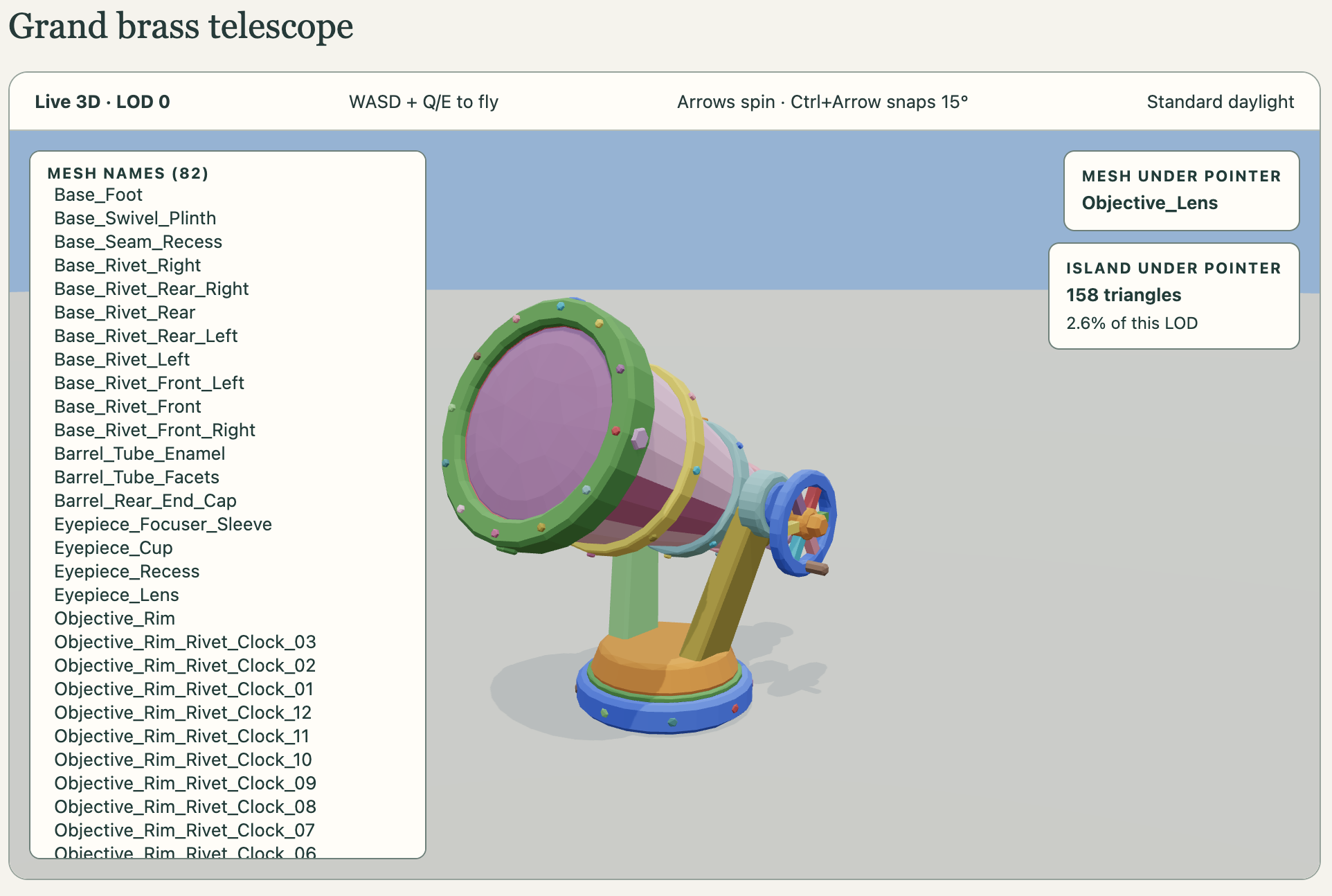
Simple Collision
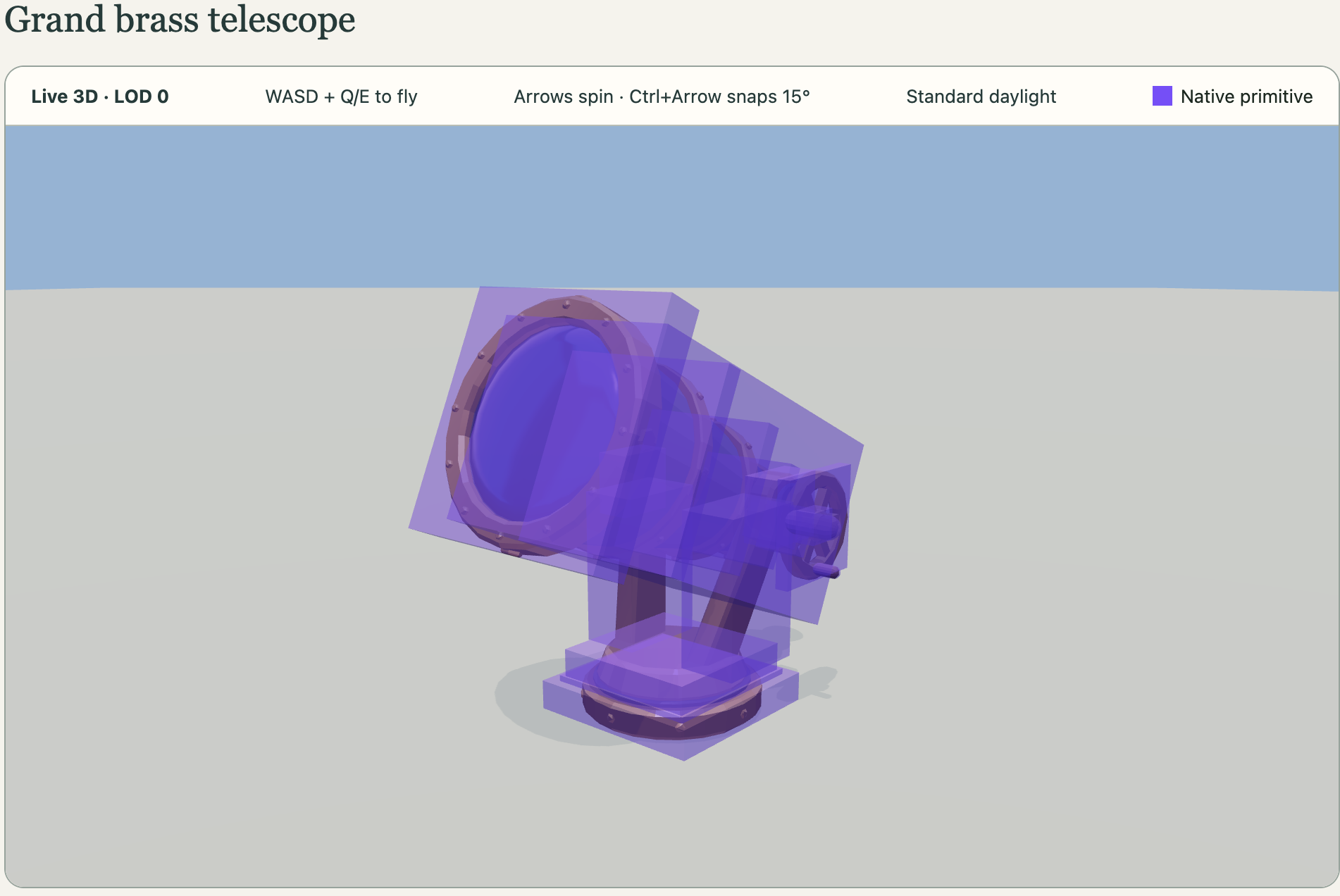
Fitted Collision
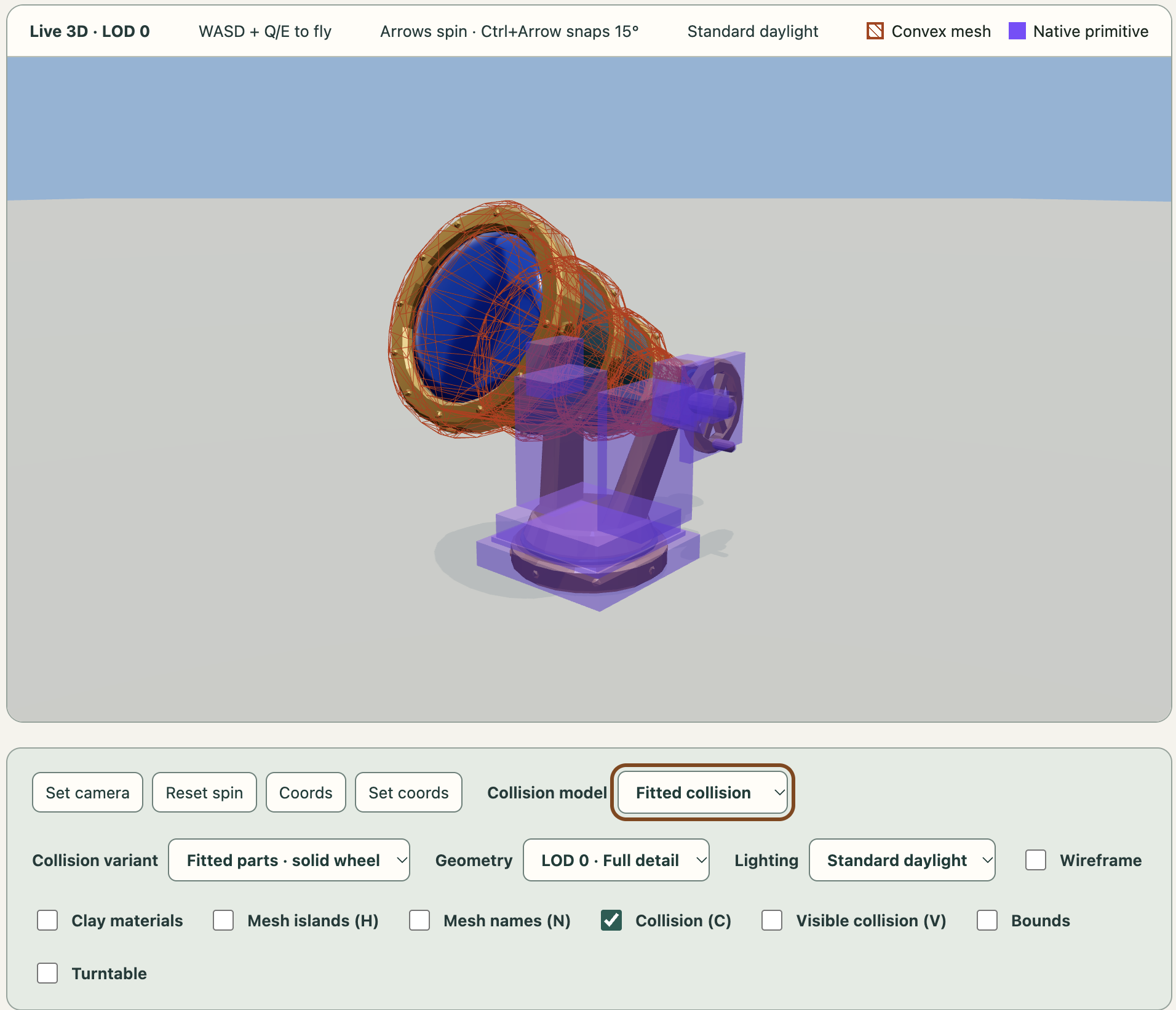
Clay Viewer
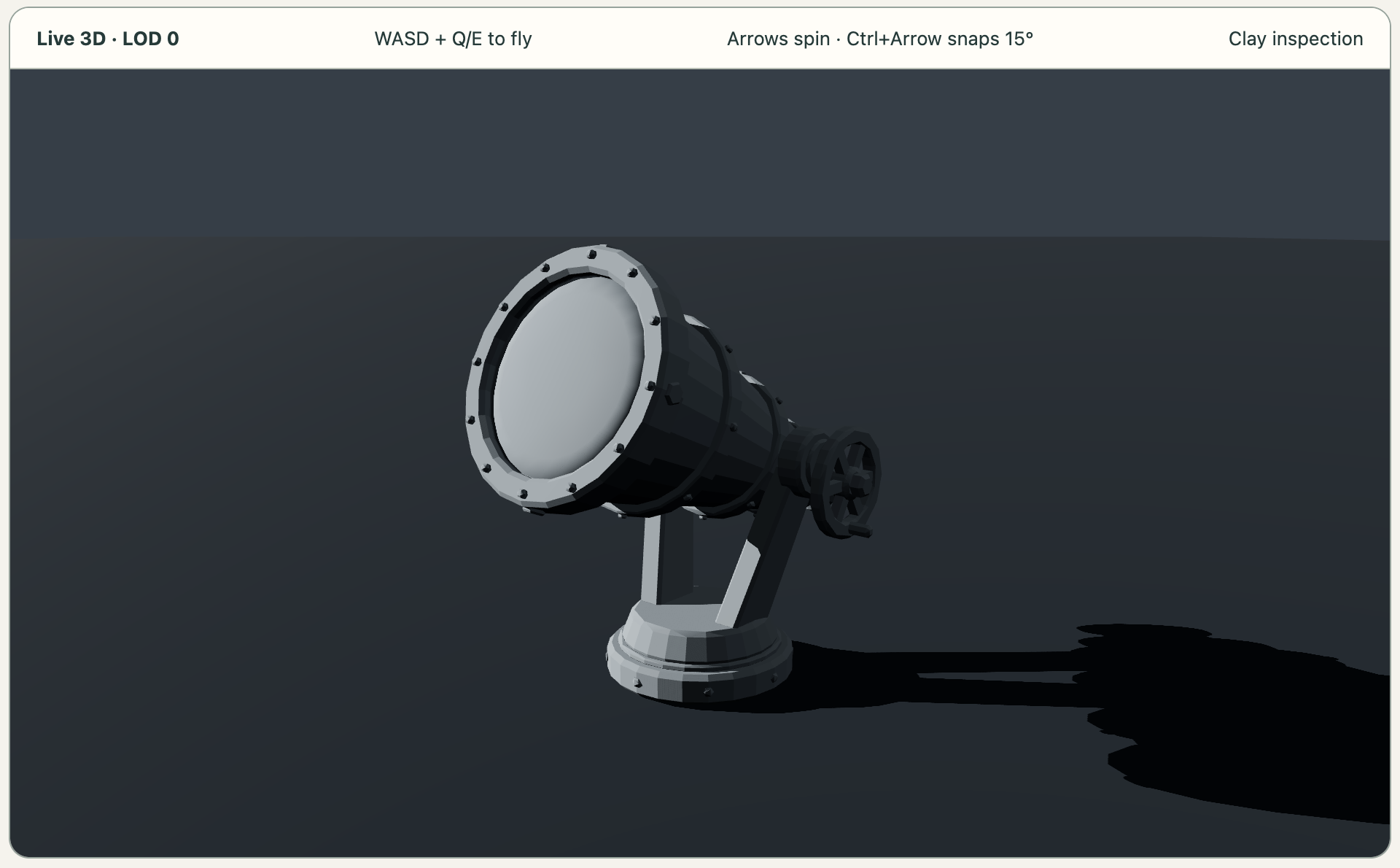
Luckily, roughly any frontier-ish model can add 3D-model viewing/editing tools to an existing harness. I was able to experiment with GLM 5.3 and DeepSeek v4.1 Flash, and both were capable enough to run simple workflow skills and make small edits. GLM 5.3 built the mesh viewer in ~12 hours. I suspect Claude could have had it done in far less time, but I ran it overnight so the time didn’t really matter. And it was a good experiment to test model capabilities, at any rate.
For trailer music, I tested ElevenLabs and Suno. ElevenLabs output was sterile and simple, but I really liked what I could get with Suno. Some of the music on suno.com is actually pretty excellent. We live in exciting, terrifying times. I feel confident that the only thing holding back a game developer in 2026 is ambition. Music, art assets, and code can all be built with AI as long as you’re willing to put in the time and the attention to make the game something worth playing. Slop is easy to make. Quality takes time.